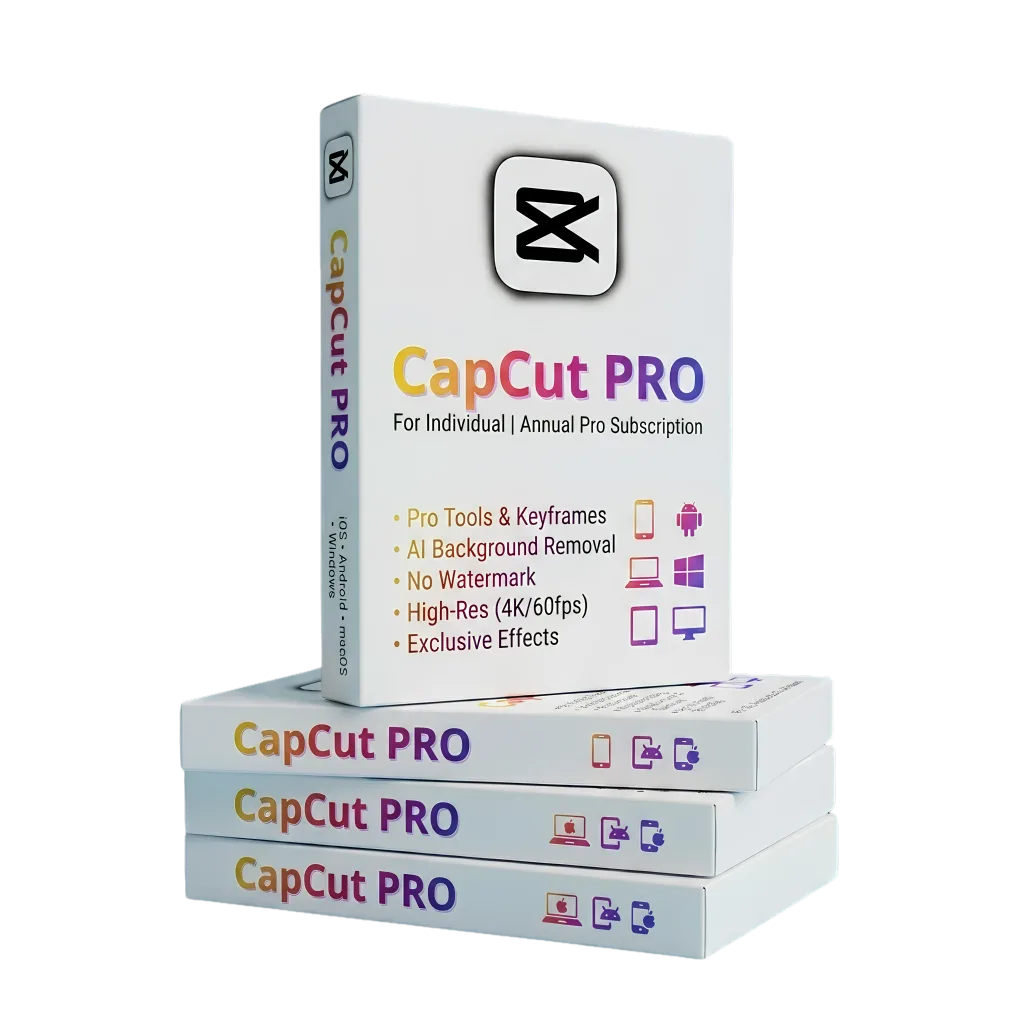






Capcut Pro (Personal)
-
Software Type – All-in-One AI Video Editing & Motion Graphics Suite
-
Name and Edition – CapCut Pro Subscription (PC & Mobile Cloud Sync)
-
Brand – ByteDance / CapCut
-
Number of User – 1 User (Personal Email Account Login)
-
License Type – Subscription (Monthly / 1-Year Full Access)
-
Key Features – Premium AI Effects & Transitions, 1-Click Background Removal, Auto Captions & Translation, 4K 60fps High-Bitrate Export, AI Script-to-Video & 100 GB Cloud Storage
-
Supported Platform – Windows PC, macOS (Apple Silicon & Intel), Android, iOS (iPhone/iPad) & Web Browser
Apple Shopping Event
Hurry and get discounts on all Apple devices up to 20%
Sale_coupon_15
250.00৳ – 1,050.00৳ Price range: 250.00৳ through 1,050.00৳
-
Pick up from the Woodmart Store
To pick up today
Free
-
Courier delivery
Our courier will deliver to the specified address
2-3 Days
Free
-
DHL Courier delivery
DHL courier will deliver to the specified address
2-3 Days
Free
-
Warranty 1 year
-
Free 30-Day returns
Description
CapCut Free vs CapCut Pro
Official features ebong subidhar tulonamulok biboron dekhe Shorts, Reels o TikTok video-r jonno best Pro package-ti bechhe nin.
CapCut Free
Shadharon daily clip cut o basic editing-er jonno
- ✔ Basic timeline editing o standard transitions
- ✖ Shob exclusive “PRO” badge filters o trending effects locked
- ✖ Smart auto-cutout o advance body effect bebohare restriction
- ✖ Boro resolution-e export korle Pro assets add kora jay na
- ✖ Matro 1 GB limited cloud backup storage
- ✖ High-end AI voice changers o voice isolation facility bondho
CapCut Pro
Content creators, YouTubers o video marketing agency-r jonno
- ✔ Shob Pro transitions, trending visual effects o VIP text templates unlocked
- ✔ Advance Chroma Key, custom mask o 1-click precise AI background removal
- ✔ 4K 60fps ultra-smooth lossless high-bitrate video export
- ✔ Multi-language auto captions, speech-to-text o vocal isolation tool
- ✔ 100 GB cloud space (PC ebong Mobile-e cross-platform sync)
- ✔ AI video generator, motion tracking, optical flow slow-motion o camera shake fix
| General | Brand | ByteDance / CapCut |
| Software Type | AI Video Editing, Motion Effects & Social Content Creator | |
| Edition / Plan | CapCut Pro Subscription | |
| Delivery Format | Digital ESD / Direct Account Upgrade to Personal Profile | |
| License Info | Language | Multilingual (Bangla fonts supported, English & 30+ Languages) |
| Number of User | 1 User Account (Seamless login across PC & Smartphone) | |
| Number of License | 1 Registered Profile Subscription | |
| License Type | Subscription | |
| License Duration | 1 Month / 3 Months / 6 Months / 1 Year (As per package) | |
| Main Features | Core Capabilities | Pro Effects & Filters, Auto Captions with Bilingual Subtitles, AI Background Removal, Smooth Slow-Motion (Optical Flow), Vocal Isolation, Speed Curve & Motion Blur. |
| Export Capability | Export up to 4K resolution at 60 FPS, ProRes / MP4 / MOV formats, customized bitrate control with zero watermark. | |
| Supported Platform | Windows 11 / 10 (64-bit), macOS (Native Apple Silicon & Intel), Android, iOS (iPhone/iPad), Web Browser Editor. | |
| Additional Info | Cloud Storage | Up to 100 GB Cloud Space to backup project files, assets, and draft edits directly between PC and mobile devices. |
| System Requirement | Intel Core i3 / AMD Ryzen or higher (Intel Core i5/i7 recommended for 4K), 8 GB RAM (16 GB recommended), dedicated GPU (Nvidia/AMD/Apple GPU), active internet connection. |
Customer Reviews
Only logged in customers who have purchased this product may leave a review.


Reviews
Clear filtersThere are no reviews yet.